Hi Anaya, a senior Go role on a payments team. Hybrid, with the salary band in the brief.
Anaya
Interesting. How many days in the office?
Zia
Three days in Bangalore. I can send you a link to a voice interview.
Zia
Sent: your interview link. Start any time, or pick a time that suits you.
Naira report cardVoice · Naira
Maya Thompson·Applied for Collections Specialist·Interviewed Sep 27, 2026, 38 min
74.0/ 100 overall
AlignedIntegrity 96%English (CEFR) B2
Strongly not alignedAlignedStrongly aligned
“Clear, calm caller who secured a payment plan without pressure tactics; audit caught 4 of 5 compliance slips. Speaks fluently at a natural call pace.”
Handle a Customer Who Disputes a Past-Due Balance
M2Voice only
Module Score4.1 / 5
Strengths
Verified identity before discussing the balance
Offered a concrete 3-month plan unprompted
Weaknesses
Slight hesitation stating the exact due date
Did not repeat the total balance for confirmation
Evidence (transcript quotes)
“I understand this is frustrating — let's find a plan that works for you and confirm it today.”
Naira report cardVoice · Naira
Maya Thompson·Applied for Collections Specialist·Interviewed Sep 27, 2026, 38 min
74.0/ 100 overall
AlignedIntegrity 96%English (CEFR) B2
Strongly not alignedAlignedStrongly aligned
“Clear, calm caller who secured a payment plan without pressure tactics; audit caught 4 of 5 compliance slips. Speaks fluently at a natural call pace.”
Handle a Customer Who Disputes a Past-Due Balance
M2Voice only
Module Score4.1 / 5
Strengths
Verified identity before discussing the balance
Offered a concrete 3-month plan unprompted
Weaknesses
Slight hesitation stating the exact due date
Did not repeat the total balance for confirmation
Evidence (transcript quotes)
“I understand this is frustrating — let's find a plan that works for you and confirm it today.”
EmployLabs writes each candidate’s first outreach email with one model call that reads their profile, any résumé on file and the role’s requirements, then produces a fit headline and evidence-backed points. The email opens on the strongest point, the model may not invent experience, and recruiters can read the exact message each candidate received.
Candidates can spot a template in one line
Good engineers receive a steady stream of recruiting email, and most of it could have been sent to anyone. The role is named, the company is praised, and nothing in the message shows that somebody looked at the person reading it. Those emails are deleted on sight, and the candidate learns to delete the next one too.
Before any first email goes out, EmployLabs writes the reason for that specific candidate.
One model call per candidate, grounded in their profile
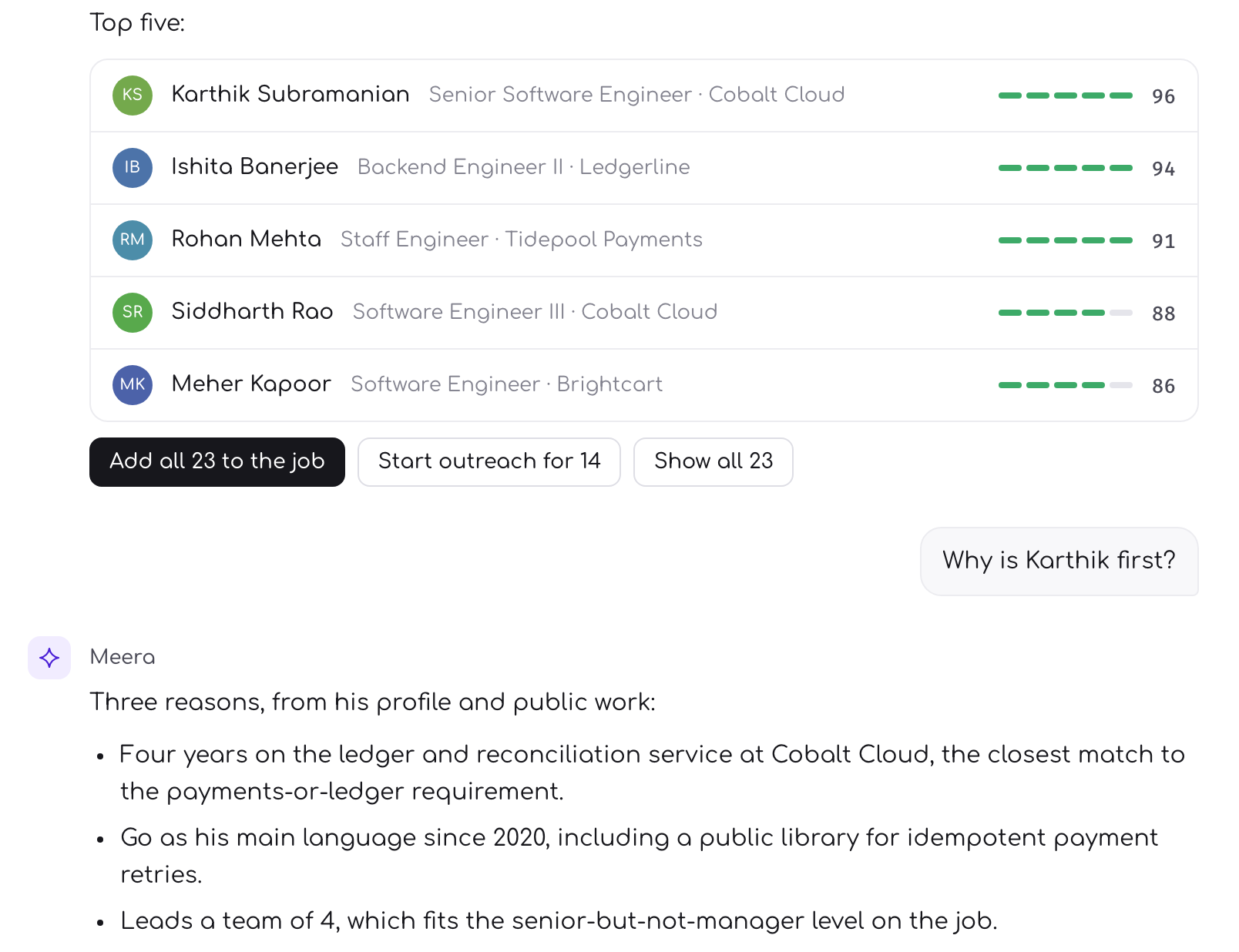
For every candidate, a model reads their profile, their résumé when one is on file, and the role’s concrete requirements, then writes a short fit headline and a few points. Each point has to cite something real from the candidate’s own background, such as a skill, a role, an employer or their years in the work, and tie it to a requirement of the job.
The instructions are strict about honesty. The model may not invent skills, employers or achievements the profile does not support, and when the evidence is thin it is told to stay modest rather than flatter. The email then opens on the strongest of those points, written into the first sentence: why this person was shortlisted, in terms they will recognise as their own work.
A generic email says the role is good. A specific one says why the reader is good for it.
A failure never sends nonsense
If the model call fails, the email does not stall and it does not go out half-written. It falls back to an honest, plainer line built from the candidate’s stored details, so the message is less tailored but still true.
You can read exactly what was sent
The pitch is kept. The fit copy written for a send is stored on that outreach attempt in the same step that marks it sent, so it is never written again for that message.
The body is kept.The job’s outreach preview shows the subject and body the candidate actually received, read from the record of the send, never a fresh render of today’s template.
The sign-off is honest. Every email signs off as Zia, helping recruit at the hiring company, or at EmployLabs when the client is confidential.
One email is not the whole sequence
The personalised email is the first of four over a week: a same-thread follow-up the next day, a new angle on day three and a short closing note on day five. For candidates with an Indian number who are still silent, Zia can also place one AI call. Any reply on any channel stops the sequence for that role.
How to use it
Keep the role’s must-have requirements specific. The fit points are tied to them, so a vague requirement produces a vague reason.
Read a handful of sent emails in the outreach preview on each new job. It is the quickest way to see how candidates experience the role.
See the full outreach flow for how the sequence, the reply handling and the call fit together.
Common questions
How does an AI recruiter personalise outreach emails?
EmployLabs makes one model call per candidate that compares their profile and any résumé on file with the role’s requirements. The call writes a short fit headline and points that each cite real evidence from the candidate’s background, and the email opens on the strongest of those points.
Can the AI make up experience a candidate does not have?
The model is instructed never to invent skills, employers or achievements the profile does not support, and to stay modest when evidence is thin. When the model call fails, EmployLabs falls back to a plainer line built from the candidate’s stored details rather than sending invented copy.
Can I see the exact email a candidate received?
Yes. EmployLabs stores the subject and body of every sent email on the outreach attempt, and the job’s outreach preview shows those stored messages. Recruiters read what the candidate actually received, never a re-rendered version of today’s template with today’s job details.